Legal agreement for banking information
If you have never signed the Provider Agreement, you may be asked to do so after you select the Banking information link.
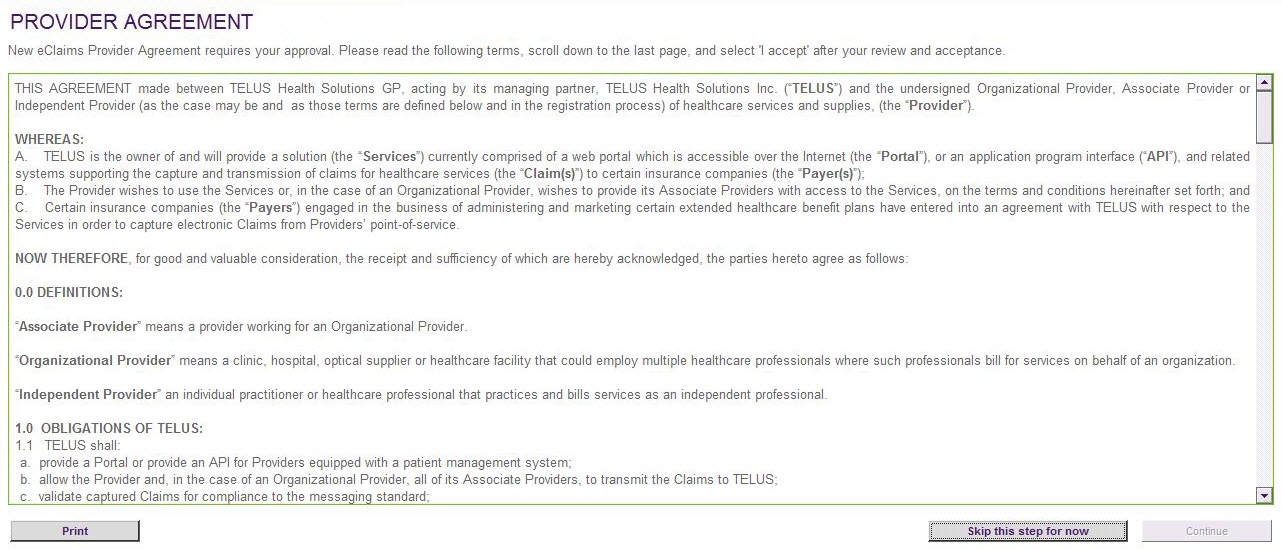
If you select Skip this step for now, you will be taken to the Banking Information page, but the Add Account and Replace Account buttons will be disabled, and you will not be able to add or replace any accounts. You will be able to select the Legal agreement button, which will provide you with another chance to accept the agreement.
Signing the legal agreement
-
From the Banking information page, select the Legal agreement button.
-
Review the legal agreement.
-
Select the I accept check box, then select the Continue button.